
What is Adobe Illustrator and What is it Used for?
July 13, 2026
Article Summary
Adobe Illustrator is Adobe's professional vector graphics software for creating logos, icons, illustrations, and branded artwork. This article covers its core features, use cases, how it compares to Photoshop, and who can learn it. Readers will gain a clear picture of what Illustrator does and whether it fits their creative or career goals.
Have you ever looked at a company logo, an app icon, or one of those beautifully designed infographics on social media and wondered how it was created?
There’s a good chance Adobe Illustrator was involved.
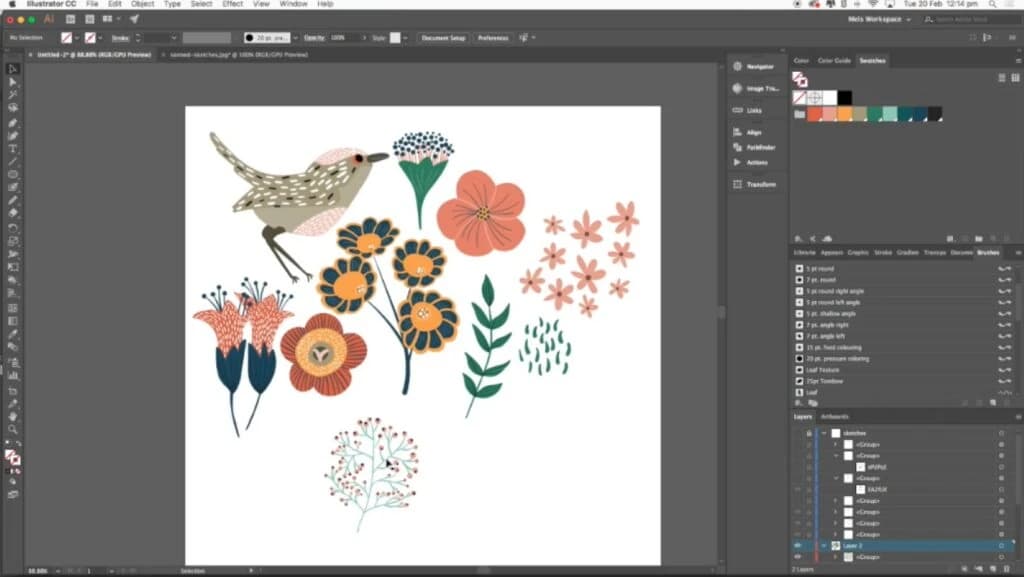
Illustrator is responsible for much of the visual world around us. From the logo on your morning coffee cup to the icons on your phone and the branding behind your favourite companies, Illustrator helps designers create artwork that looks crisp and professional at any size.
Now, before you start thinking, “That sounds great, but I’m not a designer,” here’s some good news. Illustrator isn’t just for creative professionals with years of experience. Small business owners use it to create logos, marketers use it to design campaigns, web designers use it to build graphics, and complete beginners use it to start entirely new careers.
So what exactly is Adobe Illustrator, and why has it become the industry standard for vector design?
Let’s find out.
At the time, it was something of a game changer. Designers could suddenly create artwork on a computer that could be resized without losing quality, something that was incredibly impressive in an era when digital design was still in its infancy.
Over the years, Illustrator has continued to evolve, with Adobe introducing features such as layers, transparency effects, gradient meshes, and countless tools that have helped make designers’ lives easier. In 2013, Illustrator became part of Adobe Creative Cloud, moving to the subscription model that many users are familiar with today.
Fast forward to the present day, and Illustrator continues to receive regular updates, including AI-powered tools that help speed up workflows and unlock new creative possibilities.